Bacuro – A PowerPoint Template Built for Clear Communication
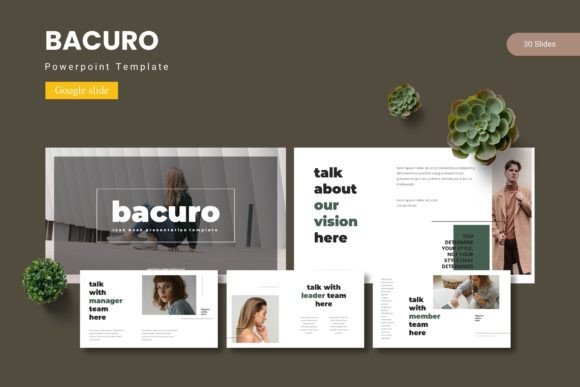
You have the ideas. You have the data. But if your slides don't carry that weight, the message gets lost. That is the gap Bacuro - Powerpoint Template aims to close. It is not merely a set of pretty backgrounds. It is a structured presentation system designed to help you combine data, graphics, and narrative in a way that feels intentional. Whether you are pitching to a client, presenting quarterly results, or teaching a workshop, the template gives you a foundation that does not fight your content. Instead, it amplifies it.
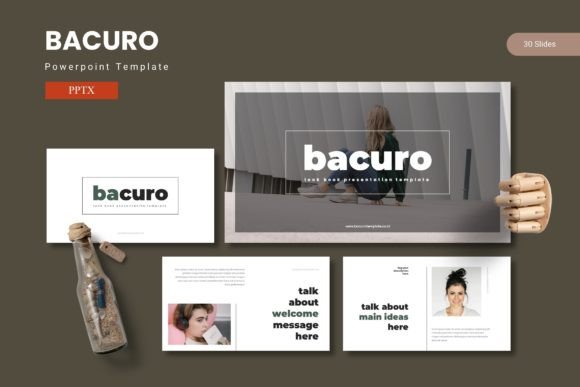
What makes Bacuro stand out is the sheer depth it offers out of the box. With 150 total slides spread across five premade color variations, you are not stuck hunting for consistency. Every slide belongs to a cohesive system. The five color schemes are not just palette swaps; they are fully realized themes that maintain readability and contrast across all slide types. This means you can choose a tone—bold, muted, professional, creative—and run with it without needing to adjust individual elements manually. For anyone who has spent hours tweaking colors to match a brand guideline, that alone saves a significant chunk of time.
What You Actually Get with Bacuro
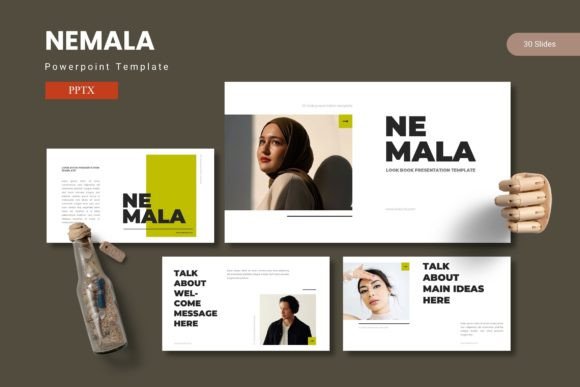
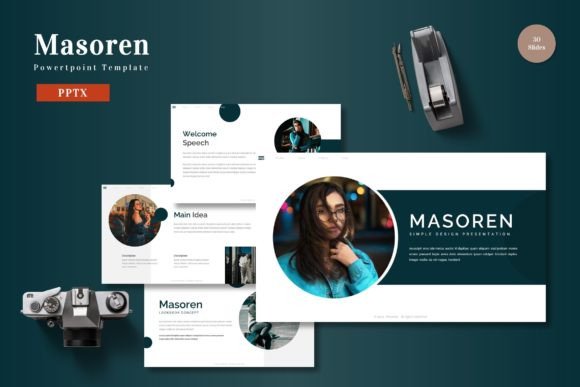
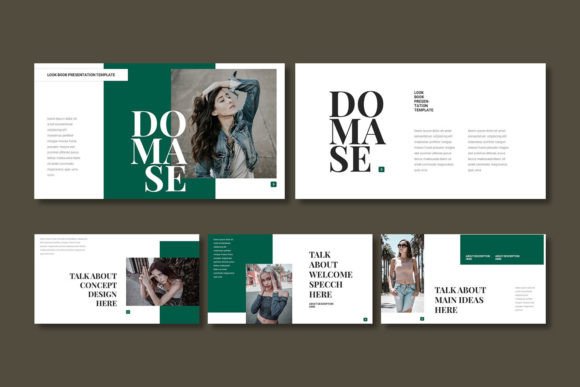
Let us walk through the key components because the feature list only tells half the story. Bacuro includes 30 slides per template, and with five color variations, you have 150 unique layouts at your disposal. But quantity alone is not the point. The real value lies in how those slides are structured.
Section break slides are included, which is a small detail that makes a large difference in presentation flow. When you transition from one topic to another, a dedicated section slide signals to the audience that a new chapter is beginning. It resets attention and adds a professional rhythm to your deck. Similarly, the handcrafted infographics are not generic clip art. They are built using master slides, meaning you can edit them globally. Change a color on the master, and every infographic using that scheme updates instantly. That is the kind of efficiency that separates a polished presentation from a thrown-together one.
Every illustration is pixel-perfect, resizable, and editable. You are not stuck with raster images that blur when scaled. The graphic elements are vector-based, so you can stretch, shrink, or recolor them without losing quality. Picture placeholders use a drag-and-drop system, which sounds simple but is surprisingly rare in templates that claim to be user-friendly. Instead of right-clicking, navigating folders, and adjusting crop zones, you just drop an image into the placeholder frame. It snaps into position, and you move on. For journalists, bloggers, and publishers who swap visuals frequently, this is a workflow improvement you feel immediately.
- 150 total slides across 5 color schemes
- 30 slides per template with dedicated section breaks
- 5 color variations ready to apply
- Handcrafted infographics based on master slides
- Pixel-perfect illustrations that are fully resizable and editable
- Picture placeholders with drag-and-drop functionality
- Gallery and portfolio slides for visual showcases
The gallery and portfolio slides deserve special mention. They are designed to display images in a clean, grid-based layout that works well for photographers, designers, real estate agents, and anyone whose work relies on visual proof. Instead of cramming images into standard layouts that distort proportions, these slides respect aspect ratios and leave breathing room around each piece.
Practical Applications Across Real Scenarios
I have seen templates like Bacuro used effectively in environments that are surprisingly different. A marketing consultant I know used the template to build a client pitch deck in under two hours. She selected the navy color scheme, dropped her case study images into the gallery slides, and used the infographic layouts to display campaign metrics. The client commented on how polished the deck looked, and she admitted later that she spent most of her time on content, not formatting. That is the ideal scenario: the template becomes invisible, and your ideas take center stage.
For Entrepreneurs and Business Owners
If you are presenting to investors or partners, credibility is everything. A messy slide deck undermines your message even if your numbers are strong. Bacuro gives you a clean, data-friendly framework. Use the infographic slides to show revenue growth, market share, or user acquisition. The section breaks let you move from problem to solution to financials without jarring transitions. And because the template includes 150 slides, you can build a comprehensive pitch deck without repeating the same layout twice.
For Educators and Trainers
Teaching with slides is a balancing act between providing enough information and keeping attention. Bacuro's layouts lean toward minimalism where it matters. Text slides have generous white space. Diagrams and infographics break complex ideas into digestible visuals. If you are explaining a process or a timeline, the template offers layouts that guide the eye naturally from start to finish. I have used similar structures to build training modules for corporate workshops, and the difference in audience retention is noticeable. People can follow along without feeling overwhelmed.
For Freelancers and Creatives
Your portfolio is your best sales tool, but presenting it poorly hurts your chances. Whether you are a graphic designer, photographer, writer, or videographer, the gallery and portfolio slides in Bacuro let you display your work in a clean, professional context. The drag-and-drop image placeholders make it quick to swap out older work for new projects. And since all graphics are editable, you can tweak colors to match your personal brand without starting from scratch. For freelancers juggling multiple clients, that flexibility saves hours over the course of a month.
Usability and Efficiency Considerations
One of the strongest qualities of Bacuro - Powerpoint Template is how it handles consistency. Because the infographics and layouts are built on master slides, you can change the entire look of your deck in a few seconds. Need to switch from a blue theme to a green one to match a client's brand? Apply the new color variation, and all slides update accordingly. This is not just a convenience; it is a communication advantage. When every slide feels like part of the same deck, your audience stays focused on your narrative rather than noticing visual inconsistencies.
The file structure is straightforward. The main folder contains five PowerPoint files (one per color scheme), a readme file, font information, and photo credits. This organization matters because it means you are not hunting through multiple downloads for the right file. Everything is in one place. The readme file offers practical guidance on fonts and image sources, which reduces the friction of getting started.
For professionals who work in teams, this structure also makes collaboration easier. You can share a specific color variation with a colleague, knowing they will see the same layouts and formatting. No misaligned headers, no mismatched fonts. That kind of consistency is hard to achieve when building decks from scratch or mixing templates from different sources.
Observations and Recommendations for Getting the Most Out of Bacuro
After working with a range of PowerPoint templates over the years, I have found that the best ones do not try to do everything. They give you a strong set of tools and trust you to bring the content. Bacuro follows that philosophy. It gives you 150 slides, but those slides are designed for real use cases: presenting data, showcasing work, breaking up sections, and telling a story. There is no unnecessary animation overload or distracting decorative elements. Every graphic serves a purpose.
If I were to offer one practical recommendation, it would be to spend time customizing the color scheme to match your brand before you start adding content. Because the template uses master slides, changing the primary color early in the process saves you from manual adjustments later. Drop your logo into the designated area, adjust the accent colors if needed, and then start building. That upfront investment pays off immediately.
Another consideration is font usage. The template provides font information in the included documentation. Stick to the recommended fonts or choose alternatives that carry similar weight and readability. Fonts are one of the quickest ways to break a professional presentation. If you substitute a decorative or hard-to-read typeface, the clean layouts lose their impact. Standard sans-serif fonts usually work best for presentations, especially when projecting on large screens or sharing digitally.
For those who present frequently, having a template like Bacuro also means you can build a library of slides over time. Keep your most-used infographics, charts, and section breaks in a master file. When you need to create a new presentation, duplicate the file, swap out the content, and you are done. After a few months, you will have a personal slide library that cuts your preparation time in half.
Bacuro is not the template you use once and forget. It is the kind of resource that becomes part of your workflow. Whether you are preparing a boardroom presentation, an online course module, a client proposal, or a creative portfolio, the structure is there to support you. The visuals are strong enough to impress but restrained enough to let your message breathe. That is a hard balance to achieve, and it is why this template deserves a place in your toolkit.
In a world where attention is scarce and first impressions matter, your slides need to work harder than ever. With Bacuro - Powerpoint Template, you are not just buying a set of slides. You are buying back time, consistency, and confidence in your presentations. That is a trade worth making.